 New: local AI with Ollama
Ondes PRO for Mac. Your AI stays in-house.
Your whole workspace in a native Mac app. And AI that runs on your company's Macs: your data never goes to an AI provider.
Version 1.0.0 · 59 MB · Apple silicon Mac (M1 or later) · macOS 14 Sonoma or later
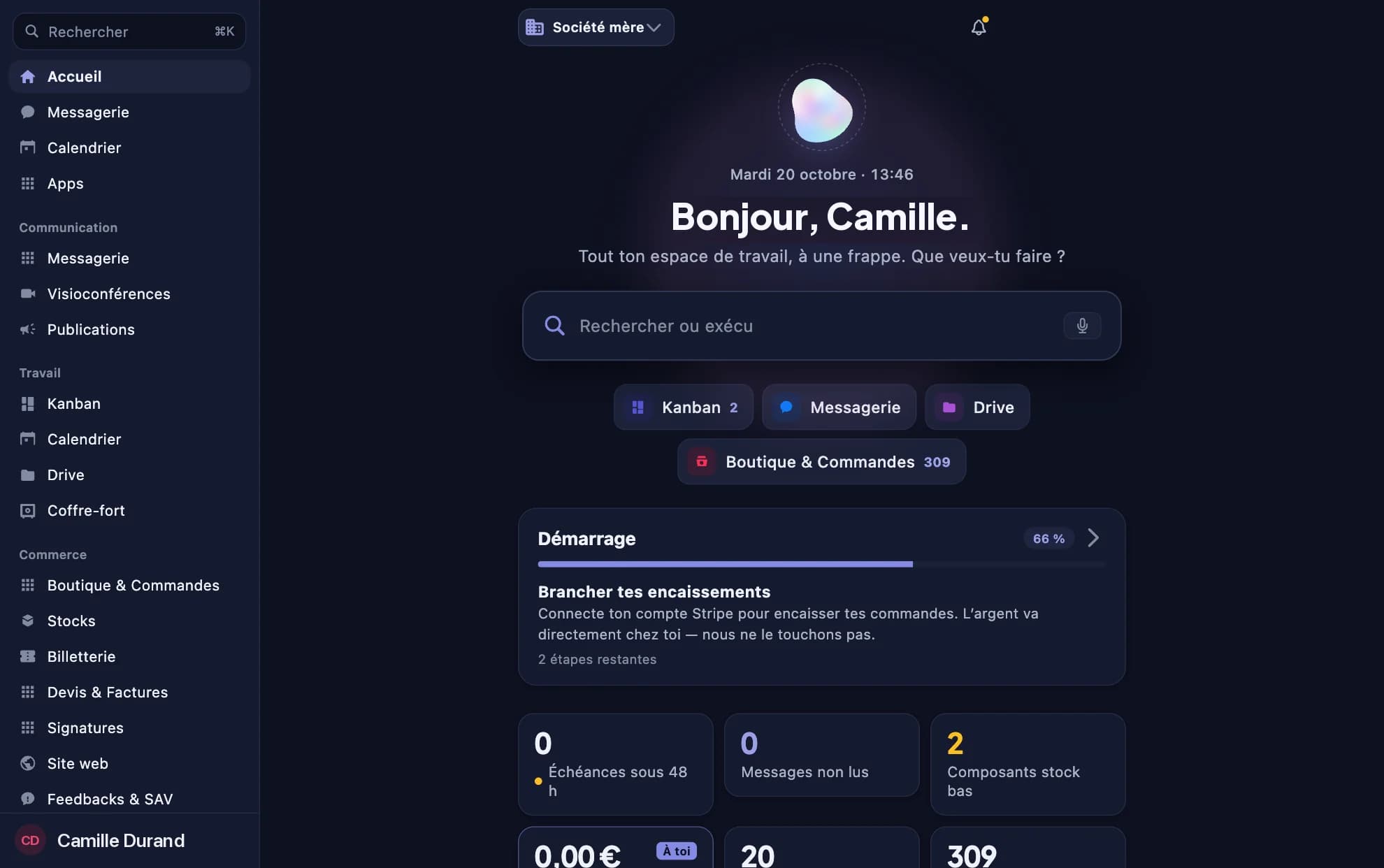
Local AI
All of Ondes PRO's AI, on your own Macs
Turn on your workspace's “Local AI” mode: assistant, writing, website, automations and daily briefing are served by the Macs you choose, with Ollama. It's all or nothing: not a single call goes to Anthropic anymore.
- Nothing leaves the companyRequests go from your workspace to a Mac on your team, and the answer comes back the same way. No AI provider sees your data, and your AI credits are not used.
- Even your encrypted contentEnd-to-end encrypted messages and files are decrypted on your Mac and summarised by the local AI: they never appear in plaintext on our servers.
- One Mac serves the whole teamChoose which Macs serve the AI, for instance an always-on Mac Studio. Background tasks wait until a machine is online.
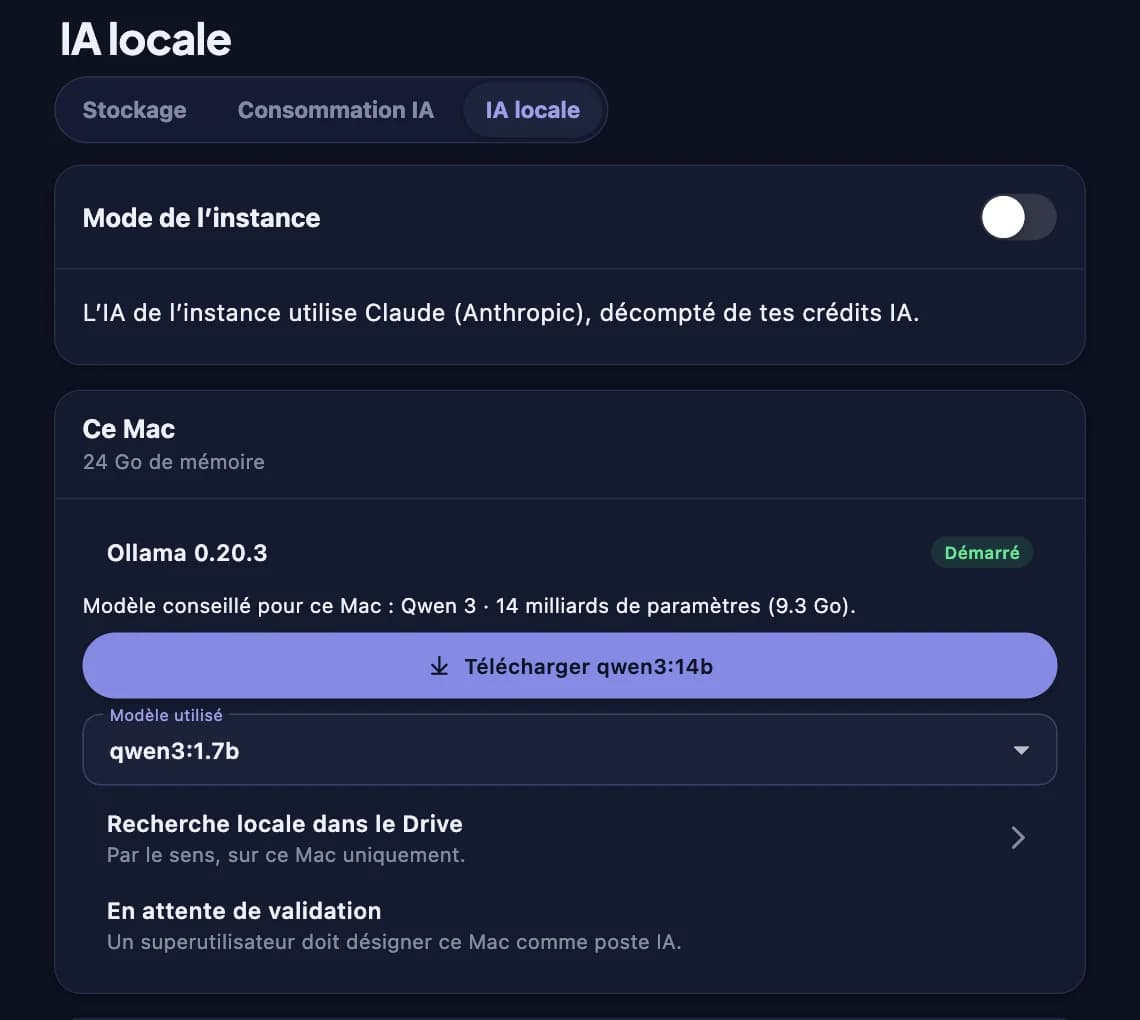
The local AI assistant, served by Ollama on the Mac.
Made for the Mac
A real app, not one more tab
Every module of your workspace, with everything you expect from a Mac app.
Mail-style sidebar
Your modules organised like Apple's apps, and the 3D Office one click away.
Keyboard shortcuts
⌥ Space opens the assistant from anywhere, ⌘K searches the whole workspace, ⌘1 to ⌘4 switch sections.
Notifications and calls
Messages, mentions and video calls arrive just like on your iPhone, even with the window closed.
Local semantic search
Find a document by meaning, not just by name. The index stays on your Mac.
Local voice dictation
Dictate messages and documents: transcription happens on the Mac, no audio is sent.
Automatic updates
The app updates itself. The curious can opt in to beta versions.
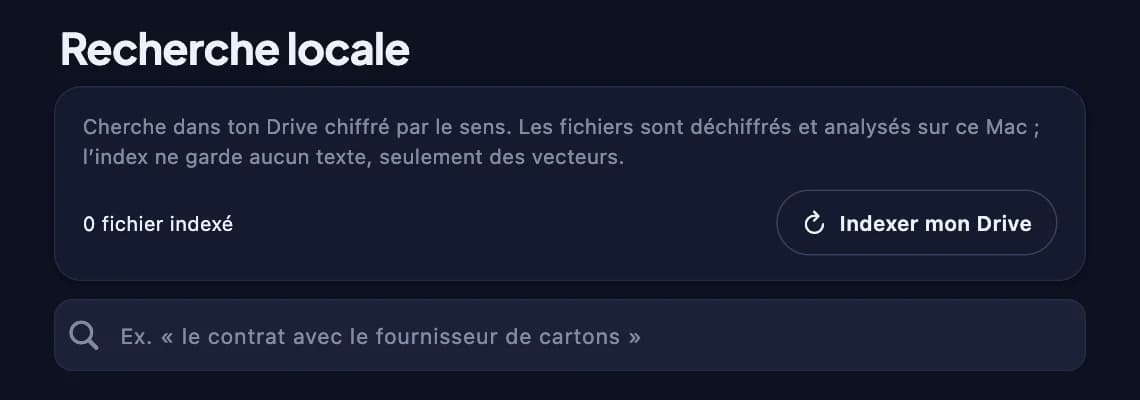
Semantic search: your documents' index stays on the Mac.
Installation
Ready in minutes
No technical skills needed: the app guides you through every step.
- 01
Install the app
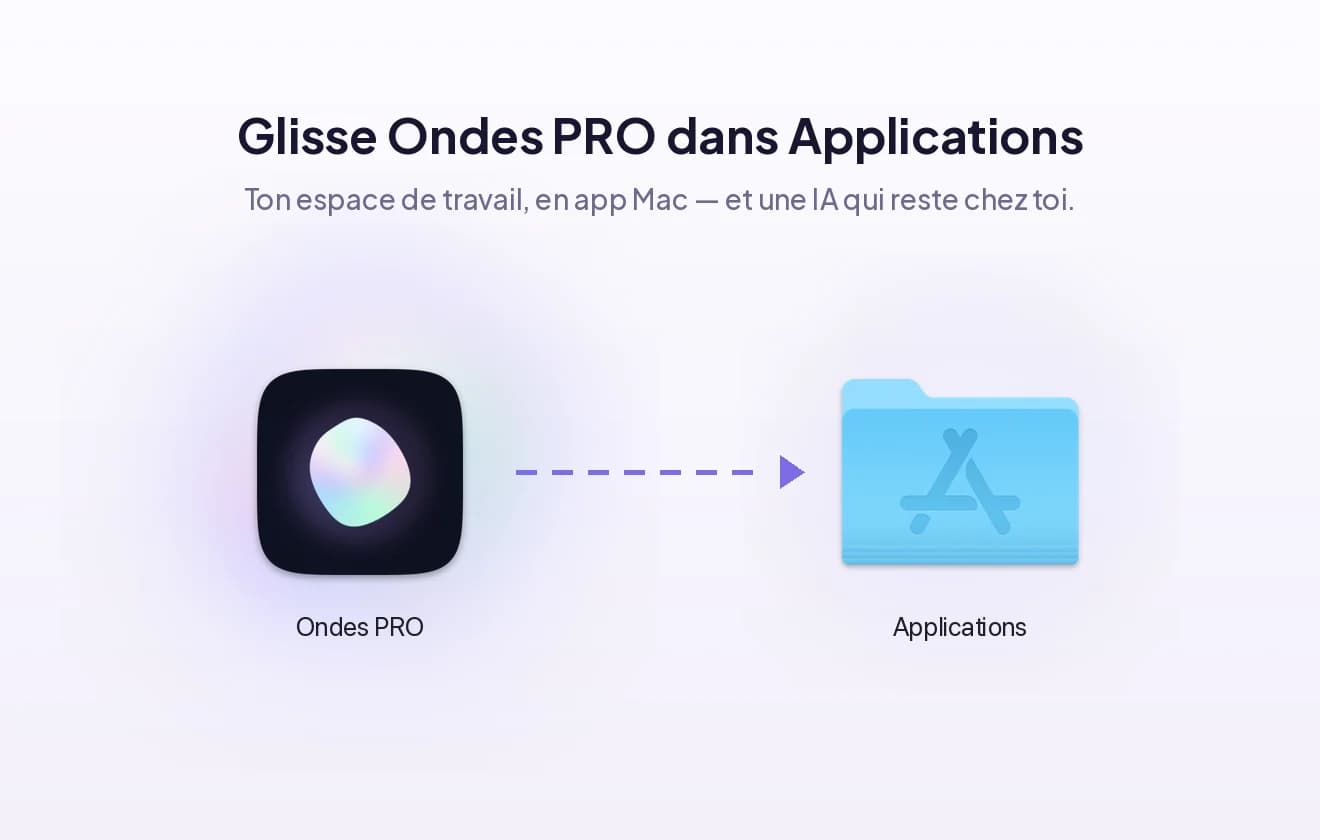
Open the downloaded file and drag Ondes PRO to the Applications folder. The app is signed and checked by Apple.
- 02
Sign in from your browser
The app opens your workspace in the browser, where you're already signed in: one click on “Open in the Mac app” is enough. Email and password still work.
- 03
Install Ollama (for local AI)
The app detects Ollama, offers to install it, then downloads the model that suits your Mac's memory. An administrator then turns on local AI in Usage › Local AI.
What's new in 1.0.0
Meilleure interface
FAQ
Before you install
No. The app and local AI require an Apple silicon Mac (M1 or later) and macOS 14 Sonoma or later. Colleagues with another computer keep using Ondes PRO in their browser.
A Mac with 16 GB of memory is enough to start; 32 GB or more gives richer answers and more context. The app picks the model based on available memory. An always-on Mac mini or Mac Studio is ideal.
In local AI mode, no AI request leaves your company: your workspace relays the request to a Mac you chose, which answers with Ollama. End-to-end encrypted content is decrypted only on the Mac.
The assistant tells you instead of falling back to an outside provider: in local AI mode, nothing ever goes elsewhere. Background tasks (briefing, automations) wait until a machine is back online.
Automatically: the app checks daily for a new signed version and offers to install it. You can also opt in to betas from the menu bar.
No. The Mac app and local AI are included in every plan at no extra cost. With local AI, your AI credits are not used.
No. One Mac is enough to serve the AI: other members keep using the browser or the iPhone app, and benefit from the same local AI.
Try Ondes PRO on your Mac
Download the app and sign in to your workspace. Not a customer yet? Start with a free demo.
Included in every plan, at no extra cost.